Convert PDF Files into editable CAD drawings with Pythagoras CAD
Working with existing drawings in PDF format can be challenging, but Pythagoras CAD makes it effortless to convert them into fully editable files. Whether your PDF contains vector elements or multiple pages, the software ensures accurate recognition of units and scales, streamlining your workflow.
What is PDF import in Pythagoras CAD?
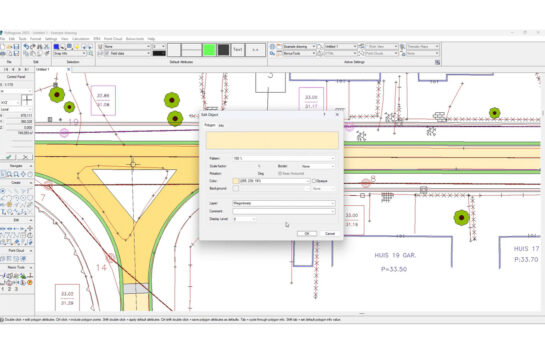
Pythagoras CAD allows you to import PDF files and transform them into workable drawings. It automatically detects units and scales, but manual adjustments are also possible for full control. If your PDF contains multiple pages, simply select the one you need. When dealing with vector-based PDFs, Pythagoras recognizes elements like polygons, straight lines, and polylines, ensuring smooth conversion into editable objects. Once imported, you can modify and enhance your drawings by adding new elements or making precise adjustments.

Why use PDF Import in Pythagoras CAD?
- Save time: No need to redraw existing plans manually.
- Ensure accuracy: Avoid errors when transferring data from PDFs.
- Seamless editing: Convert vector elements into editable CAD objects instantly.
How to import a PDF into Pythagoras CAD?
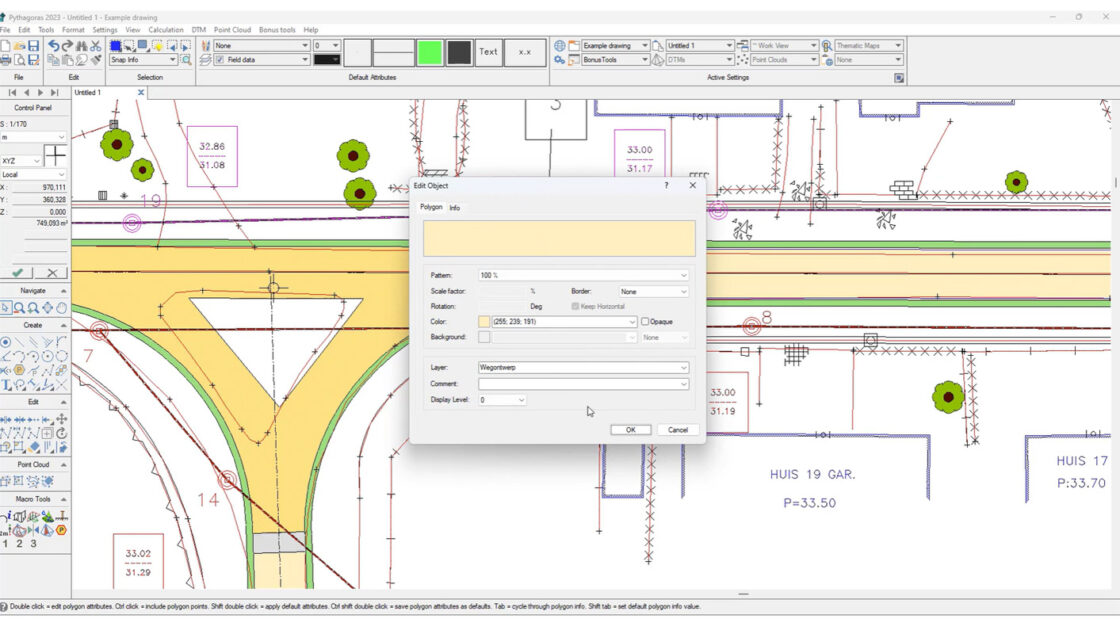
Importing PDFs into Pythagoras CAD is intuitive and efficient. Instead of redrawing plans from scratch, simply import your file, select the correct page, and let Pythagoras automatically recognize its scale and units. With vector-based PDFs, elements are instantly converted into editable objects, allowing for easy modifications and enhancements.
For a step-by-step demonstration, watch the video below:
Convinced? Download your free trial (if you don’t already have it).
Start your free trial Or book your demo to learn moreRelated articles

What’s new in Pythagoras CAD? Discover the upcoming major release!
A new major release of Pythagoras CAD is coming. Discover the latest features, from dynamic reports and data annotations to 3D terrain editing, smarter drawing tools and improved performance.
INTERGEO 2026: Discover the Latest Pythagoras CAD Release in Munich
Meet Pythagoras CAD at INTERGEO 2026 in Munich and discover our latest major release, with new features and improvements designed to make surveying workflows faster and more efficient.
Pointorama introduces AI-powered floorplan generation
Pointorama introduces AI-powered floorplan generation, allowing users to automatically create editable floorplans from point cloud data in seconds while keeping full control over every detail.