Dynamic profiles | Pythagoras CAD 2025

With Pythagoras CAD 2025, you can now create Dynamic Profiles — cross-sections that automatically update whenever you modify the reference line in your drawing. This makes managing and visualizing your profiles faster, smarter, and more intuitive than ever.
In this tutorial, you’ll learn how to:
✅ Create a Dynamic Profile from any polyline or path.
✅ Align your profile with the page and adjust its layout.
✅ Instantly update your profile by moving or editing the reference line.
✅ Add new records or properties to display more information within your existing profile.
Why this matters:
✅ Dynamic Profiles keep your cross-sections perfectly in sync with your design.
✅ They reduce manual work and eliminate errors when updating drawings.
✅ You can easily expand your profiles with additional data for more detailed analysis.
✅ It’s a faster, more flexible, and fully dynamic approach to profile creation.
👉 Want to learn more?
Subscribe to our channel and explore the full series of tutorials on the powerful new features in Pythagoras CAD 2025.
Related articles
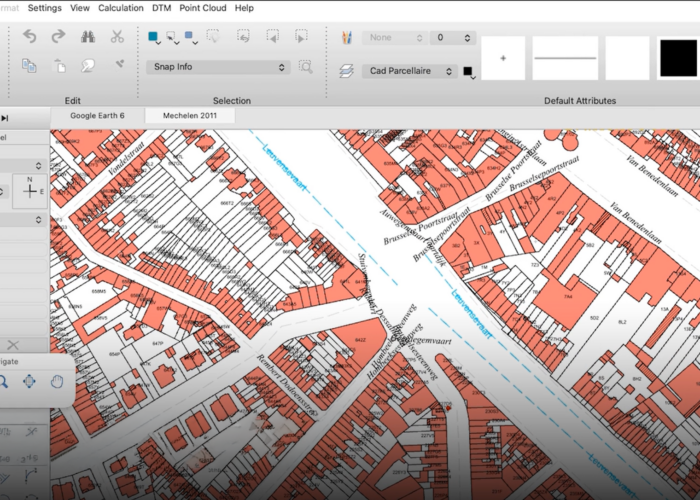
A new look. A better way to work.
The next generation of Pythagoras CAD introduces a modernised interface, customisable workspaces and fully integrated dark and light modes. Discover a more flexible and intuitive way to work.
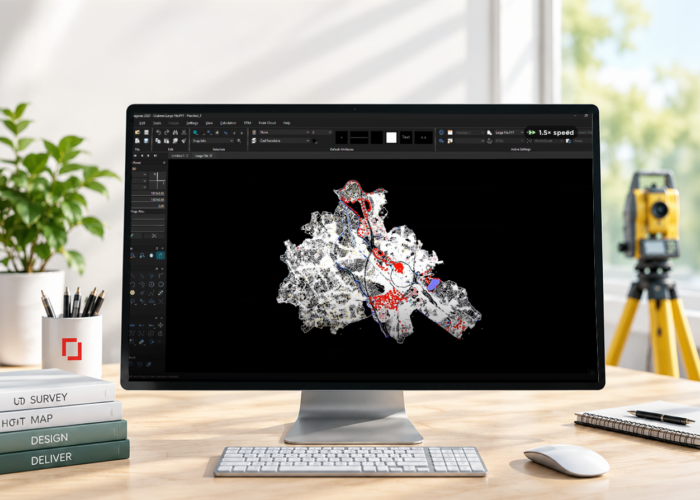
Up to 10x faster: A new level of performance for Pythagoras CAD
The next generation of Pythagoras CAD delivers performance improvements of up to 10x faster, smoother navigation and support for larger drawings. Discover how rendering optimisations and smarter tools make everyday CAD workflows more efficient.
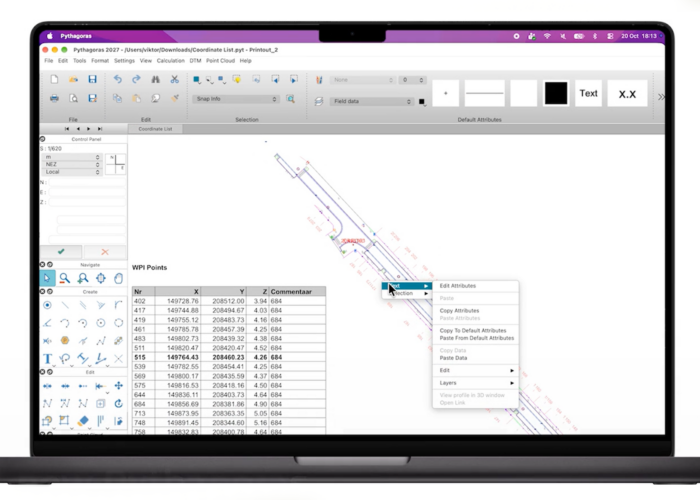
Pythagoras CAD goes cross-platform: Windows, Mac and Linux
The next generation of Pythagoras CAD is coming in 2027 with native support for Windows, macOS and Linux. Discover what this means for your CAD workflow.