IFC Export | Pythagoras CAD 2025

With Pythagoras CAD 2025, you can now seamlessly integrate with BIM platforms by exporting visible Digital Terrain Models (DTM) in the IFC 4.3 format. This makes collaboration between designers, engineers, and contractors smoother than ever.
In this tutorial, you’ll learn how to:
✅ Make your Digital Terrain Model visible for export.
✅ Export the model via File → Export → IFC.
✅ Save your IFC file and open it in any IFC viewer or import it into BIM software.
✅ Export multiple DTMs at once by making them visible and generating a new IFC file.
Why this matters:
– IFC 4.3 is specifically designed for infrastructure and road design.
– It ensures accurate data transfer between CAD and BIM platforms.
– It improves collaboration and streamlines workflows across the construction and infrastructure industries.
– By exporting DTMs in IFC 4.3, you gain greater flexibility, compatibility, and efficiency in your projects.
👉 Want to learn more?
Subscribe to our channel and watch the full series of tutorials on the powerful new features in Pythagoras CAD 2025.
Related articles
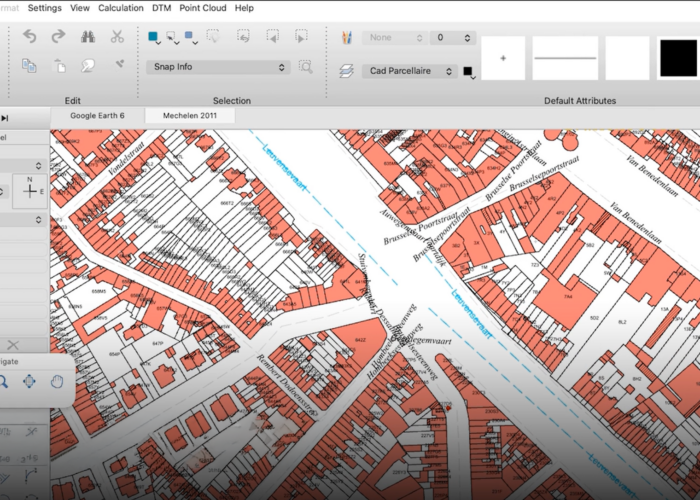
A new look. A better way to work.
The next generation of Pythagoras CAD introduces a modernised interface, customisable workspaces and fully integrated dark and light modes. Discover a more flexible and intuitive way to work.
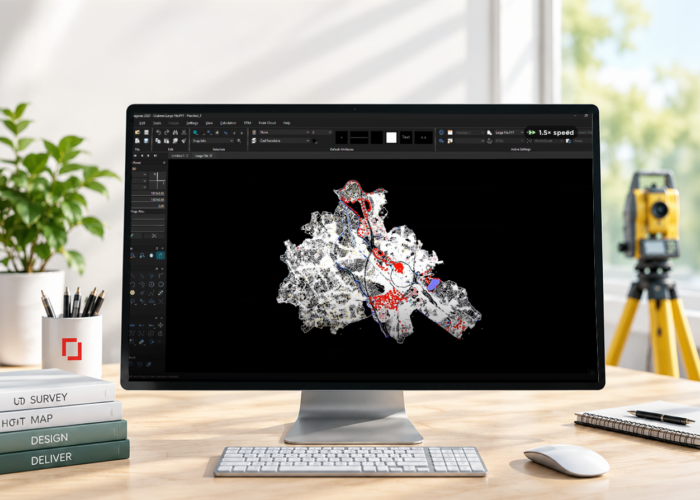
Up to 10x faster: A new level of performance for Pythagoras CAD
The next generation of Pythagoras CAD delivers performance improvements of up to 10x faster, smoother navigation and support for larger drawings. Discover how rendering optimisations and smarter tools make everyday CAD workflows more efficient.
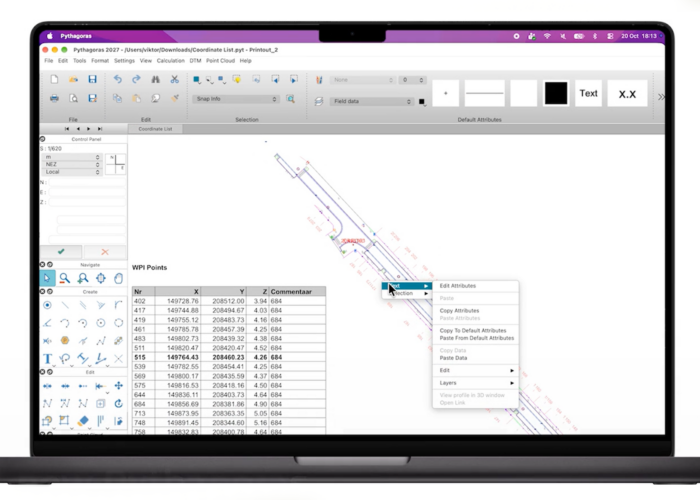
Pythagoras CAD goes cross-platform: Windows, Mac and Linux
The next generation of Pythagoras CAD is coming in 2027 with native support for Windows, macOS and Linux. Discover what this means for your CAD workflow.